Booking · Core
Calls booked without the back-and-forth
Put {{booking_link}} in a template and every candidate gets their own link. They see your free times in their own time zone, pick one and it is booked. For a client interview, set the time you agreed or offer a few.
- Every plan
- Google and Microsoft calendars
- Shown in their time zone
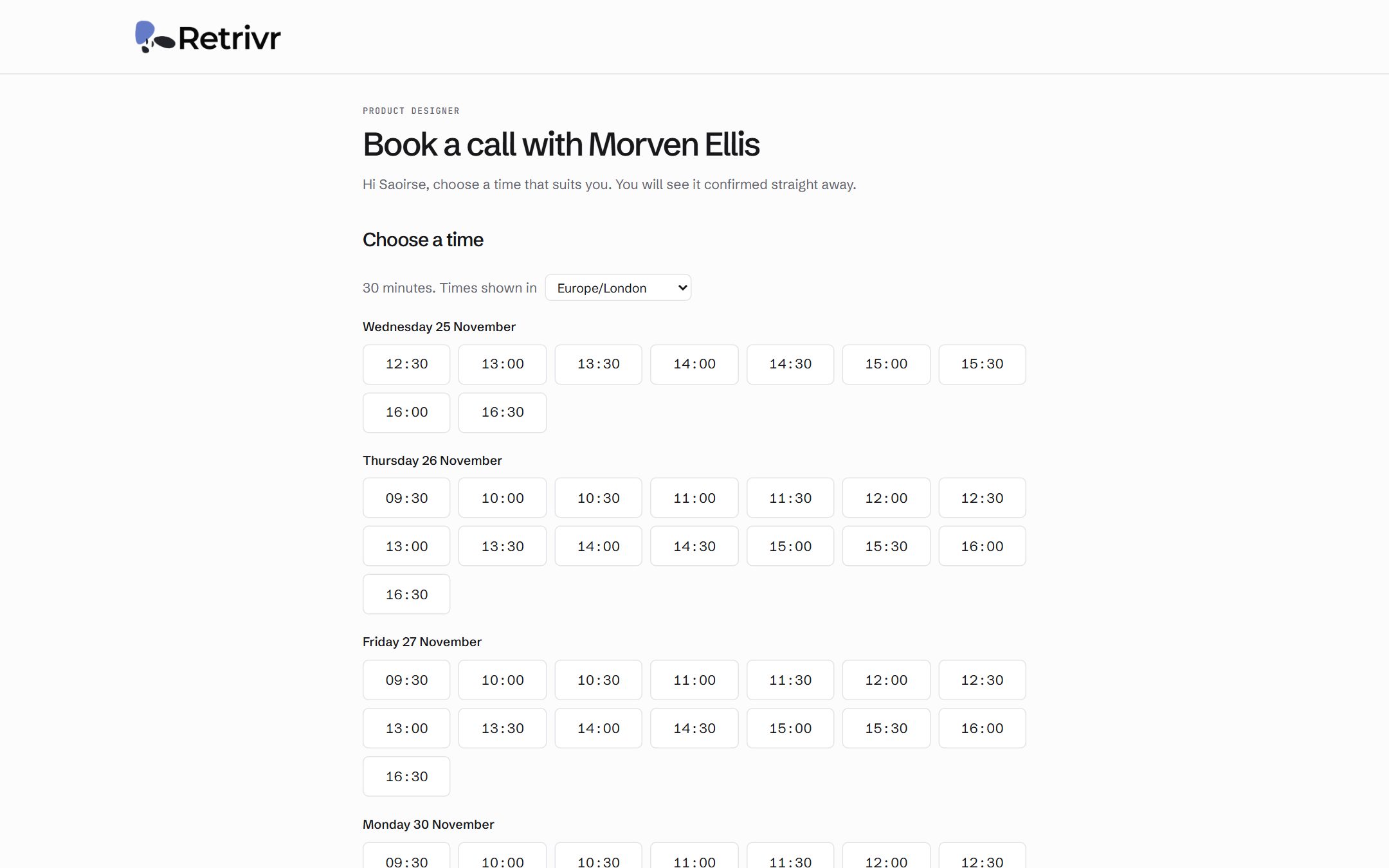
Shown with the fictional demo workspace.
Your hours, less your calendar
Your own weekly hours
Set the days, times, call length, minimum notice and how far ahead, with a meeting link, a phone option or both.
Busy times skipped
Connect Google or Microsoft and Retrivr reads only when you are busy, never what the events are.
A link per candidate
Each link is signed for that candidate and lasts 30 days; two people can never take the same time.
Booked means moved
A booking moves the candidate to Booked and appears on the role and under Calls this week.
When the client says Interview
Set the time you agreed
Type the date and time in the right zone; the client’s page lists it with a calendar file.
Or offer a few
Offer up to three times; the candidate picks one from their link.
The email is ready
The message to the candidate is written for your own mailbox. Retrivr sends nothing.
3 steps,
all of them yours.
- 1
Set your hours
Settings > Booking, and connect your calendar if you like.
- 2
Send the link
Use {{booking_link}} in any template; each candidate gets their own.
- 3
Take the call
It is on the role page, in Follow-ups and in your calendar file.