Import · Core
Bring your candidates in. Check it first. Undo it for 7 days.
Drop in a spreadsheet, a zip from your old recruiting tool or your LinkedIn Connections file. Retrivr works out the columns, shows you what it will do, writes nothing until you say so, and can take it all back for a week.
- Every plan
- Up to 20,000 people a file
- Undo for 7 days
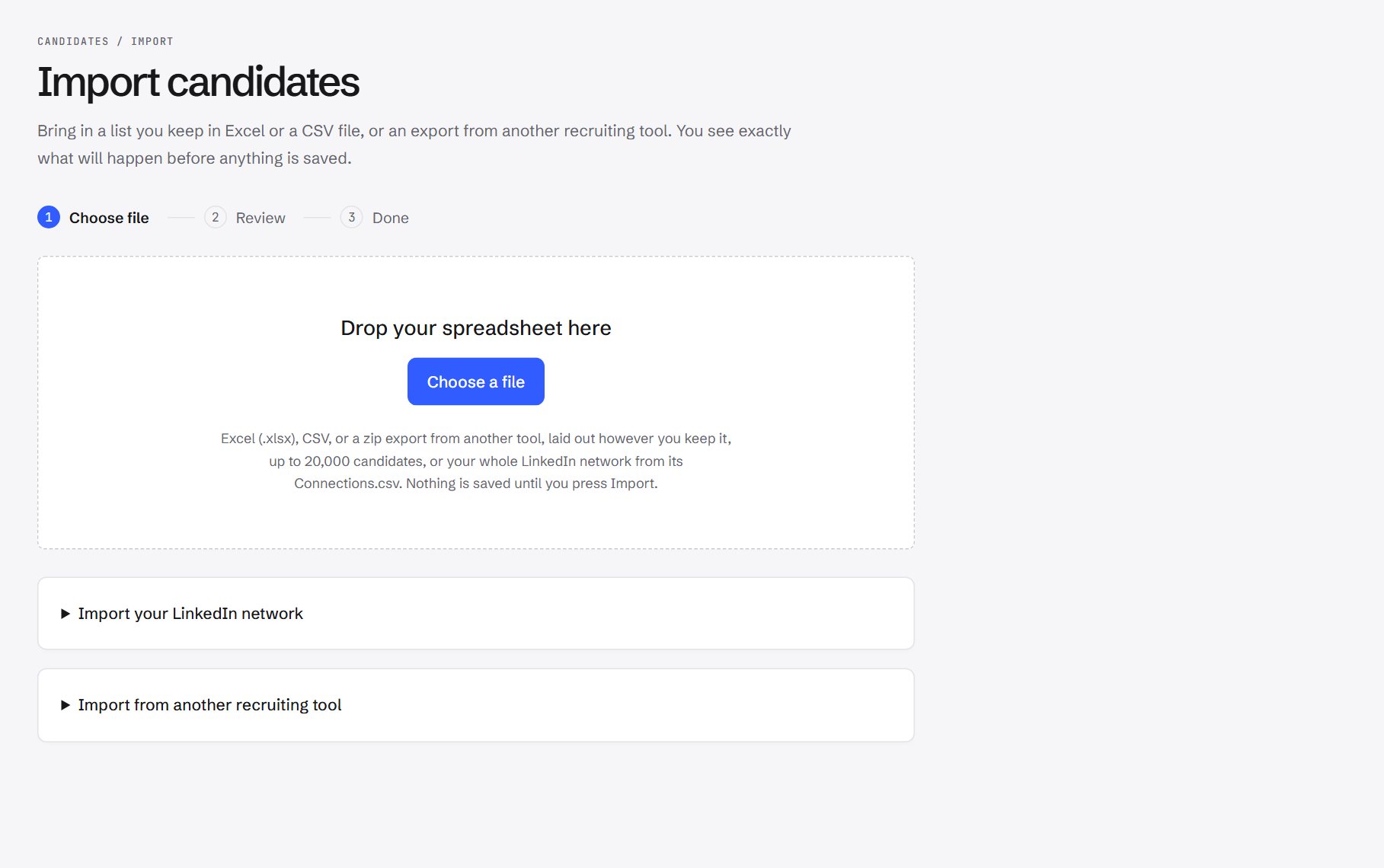
Shown with the fictional demo workspace.
Files arrive in every shape
Spreadsheets
Excel, CSV and Excel’s Unicode text. The sheet, the heading row and each column are worked out from the contents, not assumed.
Another recruiting tool
Step-by-step export guides for Loxo, Recruit CRM, Manatal, Vincere, JobAdder, Bullhorn and Zoho Recruit, and a zip of their files read as one.
Your LinkedIn network
The Connections file from LinkedIn’s own data export becomes a searchable list of people you know.
Notes, jobs and clients
In a multi-file export, notes join their person, pipelines become roles at the right stage and companies go to Clients.
You see every decision before it is made
Review first. “N people will be added”, with names and every reading Retrivr made, each with a button to read it the other way.
Never overwrites. Someone you already have gains notes and fills empty fields; nothing you wrote is replaced.
Erased stays erased. People you deleted are skipped, so an old list cannot bring them back.
Undo. For 7 days, take the import back, except people you have worked on since.
3 steps,
all of them yours.
- 1
Choose a file
Or open the guide for the tool you are importing from.
- 2
Review
Check the count, the first names, the role question if there is one, and tick that you have the right to hold these records.
- 3
Import
Every new person gets a note saying which file and day they came from.