Email finder · Sourcing
Find a work email in one click, only when you ask
Press Find email on a person, a client contact or the extension panel. Retrivr asks its email provider, never LinkedIn, and writes what it finds onto the record. A search that finds nothing is free.
- 150 searches a month
- Not found costs nothing
- A typed email always wins
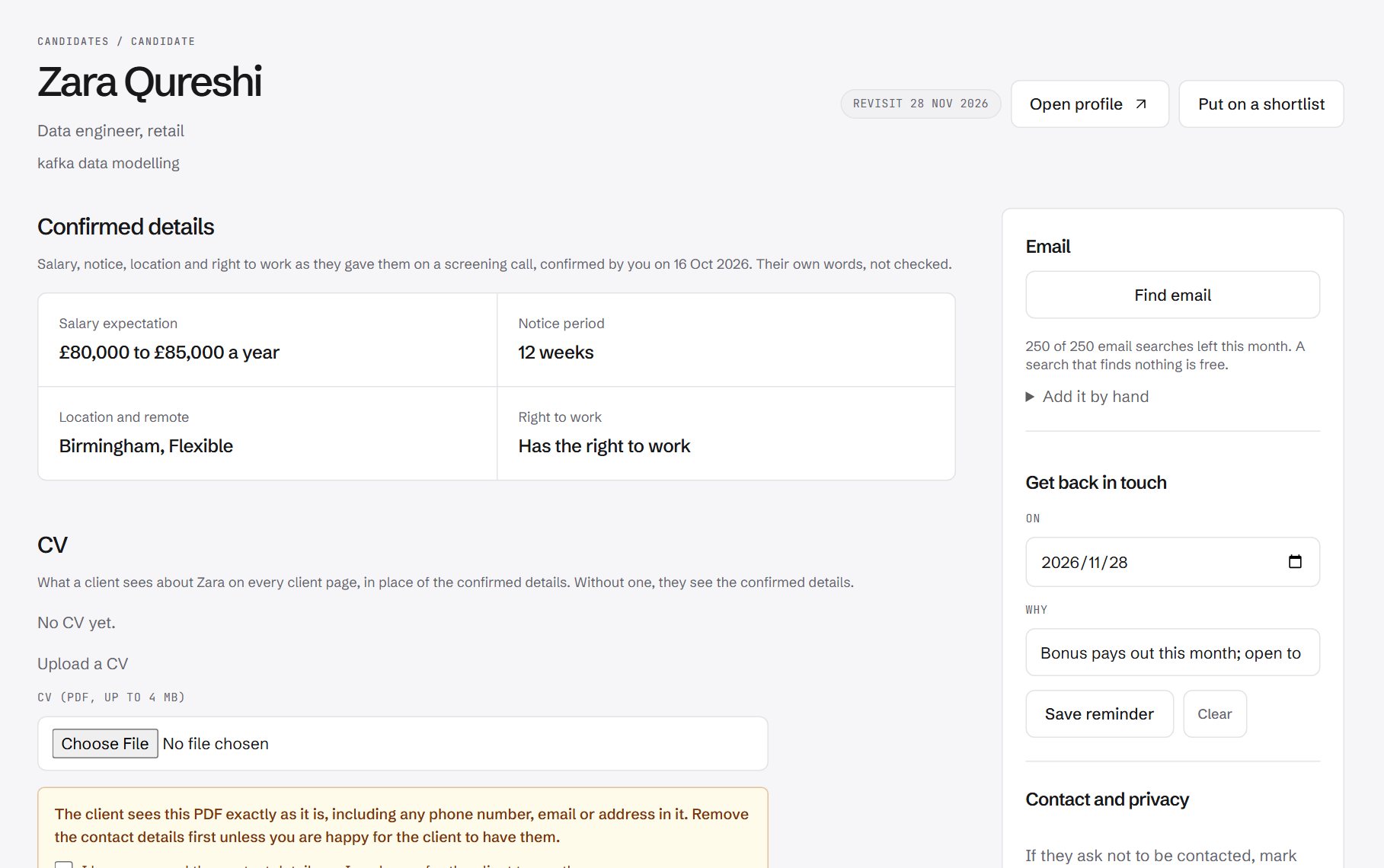
Shown with the fictional demo workspace.
Wherever you are working on someone
On their page
Find email sits in the Email block of a person’s page, with the searches you have left beside it.
While you write
On an outreach card and in a role row’s Edit details, so a found address can go straight into an email draft.
From LinkedIn
The Chrome extension panel shows Find email beside the profile you are saving, and fills the field.
For client contacts
Find a hiring manager’s email from their contact card, from the same allowance.
Counted only when it works
Found counts, not found is free. A search that finds nothing, or fails, does not use your allowance.
Never on its own. Every search is your click. Retrivr never retries or searches in bulk.
Your address wins. An email you typed is never replaced by a found one.
Wrong one?. Tell Retrivr and search again by full name and company.
3 steps,
all of them yours.
- 1
Press Find email
Retrivr searches by the person’s LinkedIn address, or by name and a company you confirm.
- 2
Wait a few seconds
The result appears on the page; you can keep working meanwhile.
- 3
Email them yourself
On the outreach card, tick Also email it and the same click opens a draft in your own email app.